

Prerequisites
Before you begin, ensure you have the following:- GitHub account - Sign up for free
- Anthropic Claude account - View pricing plans
- IDE - VSCode or Cursor
You will not need to pay for Cursor if you choose to download it.
Steps
Get Claude Code running within your IDE
Follow the Claude Code quickstart guide to get Claude Code running within your IDE.Also follow the VS Code extension guide to download the Claude Code extension for your IDE.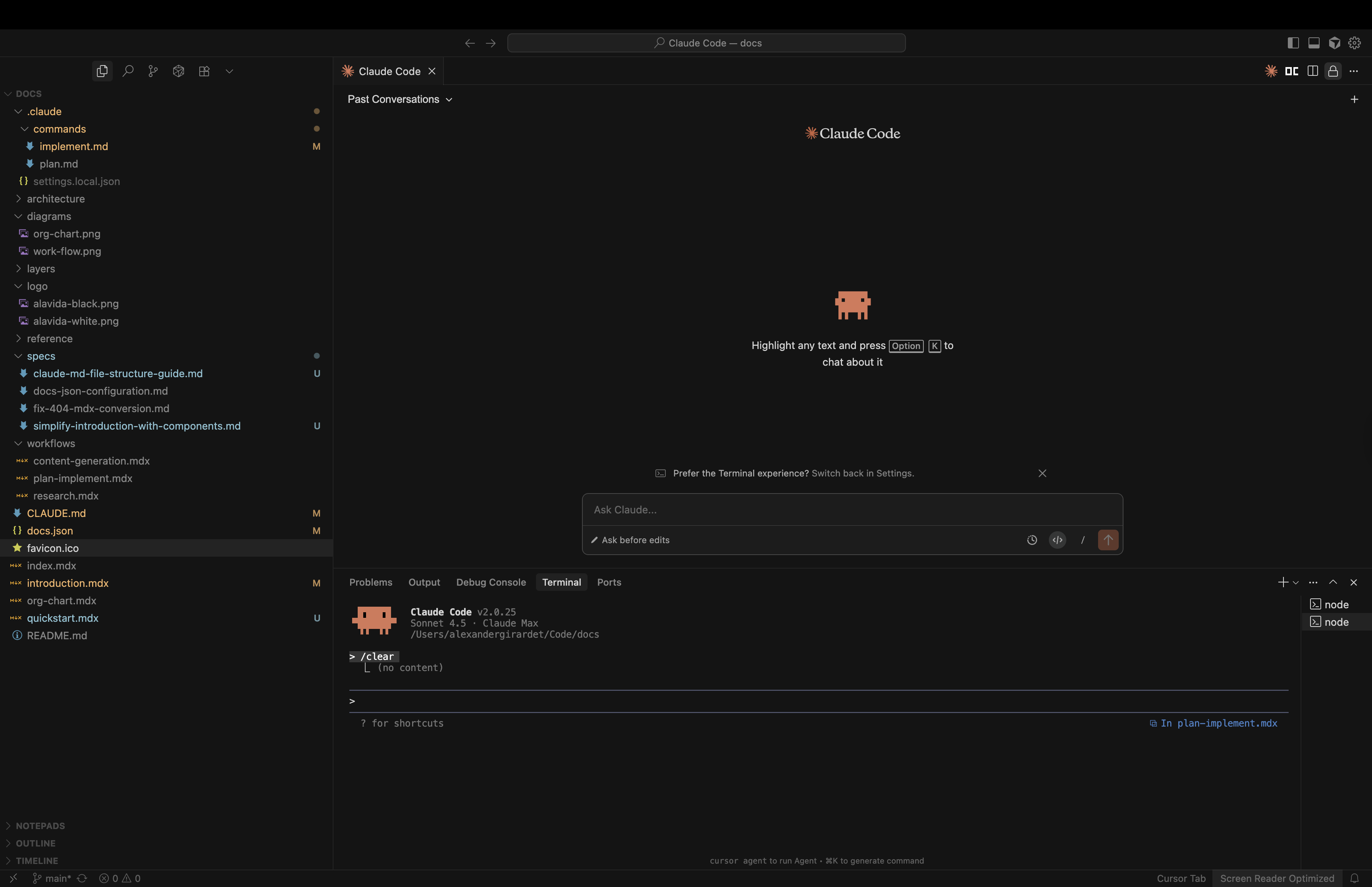
Install Git
Git is required to clone the repository and manage your workspace.Follow the official Git installation guide to install Git on your system.You can verify that Git is installed correctly by running:
Check Git version
If you see the Git version number, you’re ready to proceed to the next step.
Set up your Agentic Marketing Architecture repository
Clone the Agentic Marketing Architecture repository to your local machine:
Clone repository
Make sure you are running commands from within the root of your Agentic Marketing Architecture repository for all subsequent steps.
Open Claude Code
You have two options to open Claude Code:
- IDE
- Terminal
You can open Claude Code by clicking the Claude Code icon in your IDE sidebar.
Initialize your workspace
Let’s run your first command. A slash command is a way to define frequently-used prompts as Markdown files that Claude Code can execute.To initialize your workspace, run:
Initialize workspace
This will trigger a short onboarding process to help you set up your workspace. It will update several key documents including CLAUDE.md, and your /strategy, /content, and /research folders.
Run the walkthrough command
To help explain concepts and the file structure of your workspace, run:This will trigger a walkthrough of your workspace, helping you understand the key documents and how they work together.
Walkthrough command
After completing the walkthrough, you’ll have a solid understanding of how to navigate and use your Agentic Marketing Architecture workspace.